The Manual
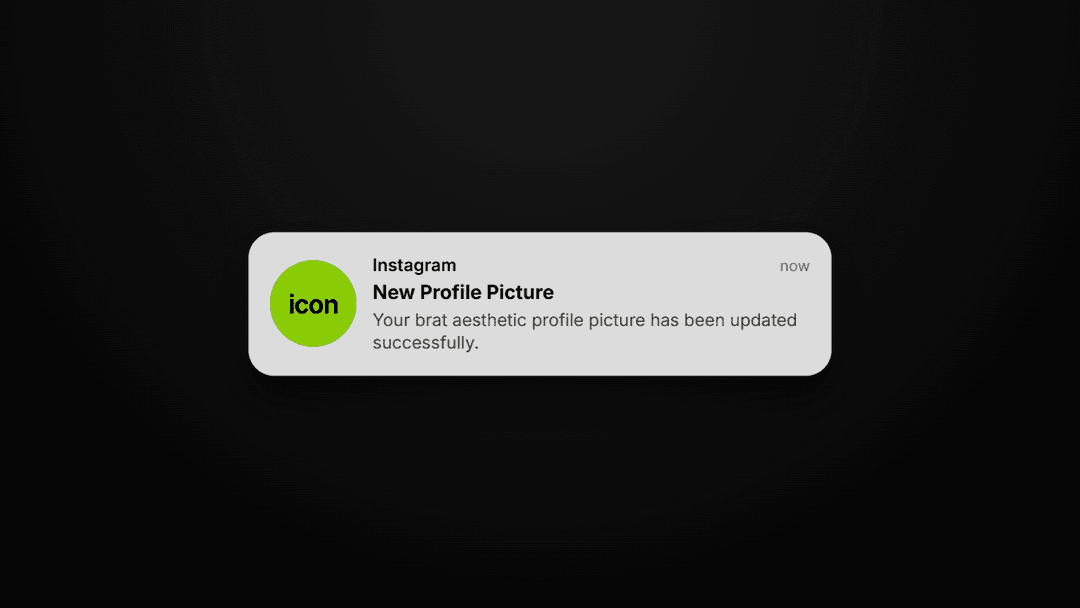
A brat PFP is a profile picture inspired by the iconic 2024 album cover style that took over the internet. It usually features bold, lowercase text on a bright neon green background, though other colors like pink and white are also popular. This look went viral on TikTok and Instagram because it is raw, messy, and unapologetically cool.
It represents a specific attitude of being authentic and a bit rebellious. Users love it because it shows off a "brat" personality without needing a professional camera or complex design skills. You can make your own using the brat maker to join the global trend instantly.
Platform Specs
While these sizes vary, we recommend using a 1:1 aspect ratio at 1500px for all platforms. This ensures your image stays high-quality and crisp when you upload it to any site. High resolution is key because it prevents blurriness on modern retina displays.
Five Steps to Brat
Open Tool
Launch the generator on your phone or computer browser at ibratgenerator.com.
Type Text
Enter your name, a username, or a short vibe word into the text box. Keep it lowercase.
Set Color
Choose your background color. The classic neon green is #C1FF00, but pink and black are also popular.
Pick Ratio
Set the aspect ratio to 1:1 to ensure it fits perfectly into social media profile circles.
Download PNG
Hit the download button to save your custom high-quality PNG file to your device instantly.
Using a dedicated brat pfp maker is the fastest way to get the signature "crushed" font look that defines the aesthetic. You don't need to learn Photoshop or wrestle with complex software settings. The tool handles the layout, spacing, and font weight for you so you can focus on finding the right words. Once downloaded, just upload the file to your profile settings on your favorite app and you are ready to go.
Color Selection
Classic Neon
#C1FF00 - The Viral Standard
Coquette Brat
#FF90E8 - Playful & Aesthetic
Dark Mode
#0A0A0A - Industrial Energy
Minimalist
#FFFFFF - High Fashion Clean
Color choice is the most important part of the brat aesthetic. The classic choice is the famous neon green, which works best on TikTok and Instagram to grab immediate attention. However, the trend has evolved to include many other variations like coquette pink or high-fashion white.
Idea Bank
Not sure what text to use? The best profile pictures use short, punchy words that fit on one or two lines. Try your first name for a personal touch, or use a vibe word. Keep your text lowercase for the most authentic and "raw" style.
Frequently Asked Questions
Yes, our tool is 100% free for everyone to use. You can generate and download as many images as you want without paying a cent, watching intrusive ads, or creating an account. We believe that creative expression should be accessible to everyone who wants to join the trend.
Our tool is designed for personal use, fan expression, and creative experimentation. Since the style is inspired by modern popular culture, we recommend using it for your personal social media profiles, fan accounts, and community groups. For commercial use, it is always best to consult with a legal professional regarding intellectual property.
Discord recommends a minimum of 128x128px, but it is much better to upload a larger 1:1 image like 1024px or 1500px. Our brat maker provides high-resolution exports that Discord will automatically scale down without losing clarity. This prevents your profile picture from looking pixelated when people view your full profile.
Absolutely. The tool is fully optimized for mobile browsers like Safari and Chrome. You can type, customize your colors, and save your PFP directly to your iPhone camera roll in seconds. It is the easiest way to update your look while you are on the go. Whether you are on Android or iOS, the experience is smooth and fast.
Create your brat PFP now using the free brat maker, with no signup and no watermark.