Brat Maker
The definitive free brat image maker for instantly generating custom graphics and text overlays directly in your browser with no signup required.
What is a Brat Meme?
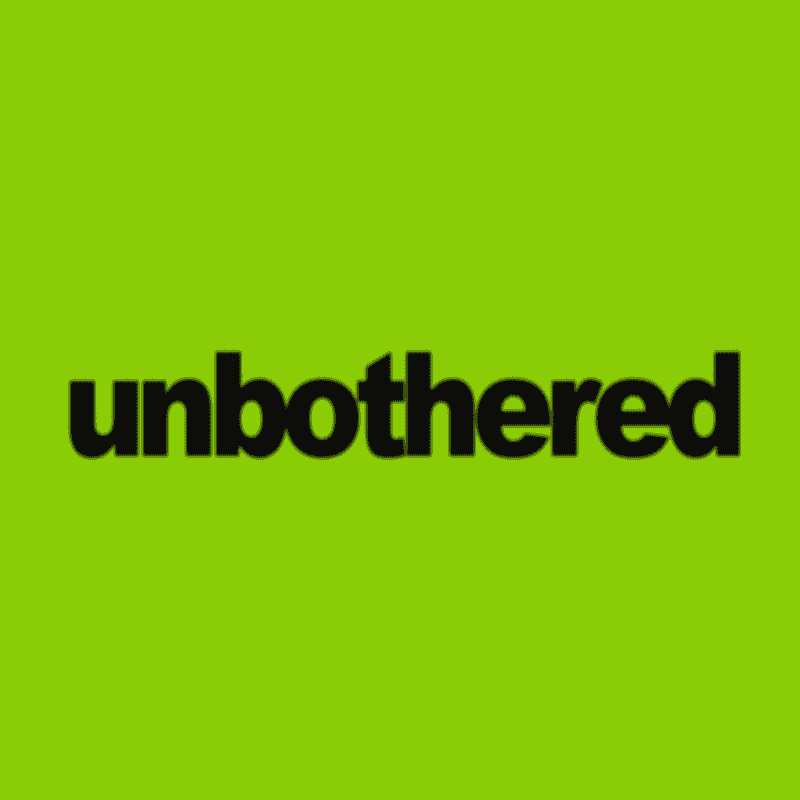
A brat meme relies on extreme minimalism, pairing bold, slightly stretched lowercase typography against a highly saturated background for immediate visual impact. The format exploded during brat summer but quickly evolved into a permanent fixture of internet culture for reaction images and shitposting. This stripped-down aesthetic works because the strong color contrast and aggressive font styling make any phrase, regardless of context, feel like a statement.
Related Brat Tools
If you want to explore more ways to create brat-style designs, these tools can help depending on what you're trying to make.
- Brat Text Generator: Best for quick text-only designs and fast PNG downloads.
- Brat Font Generator: Ideal for adjusting typography, spacing, and font styling.
The Ultimate Brat Creator
Use this brat creator as your central tool for formatting bold text and generating custom visuals in seconds. The built-in brat meme generator handles any phrase length while maintaining the signature stretched typography and layout. Every design exports as a crisp PNG download, giving you images, memes, and profile pictures all in one place.
Who the Brat Maker Is For
Meme creators use this tool to quickly mock up reaction images without opening complex editing software. People looking for a fast brat profile picture can generate exactly what they need in seconds. Content creators making social posts rely on a reliable brat meme maker for consistent, highly legible text graphics that grab attention in a feed. Anyone who wants to make a brat graphic fast will find the interface built exactly for their workflow.
Core Features of the Brat Maker
Bold Text on Images
Type any phrase and the engine automatically formats it with the correct stretched, bold lowercase styling.
Brat Image Maker
Upload your own background photo and apply the signature text overlay directly on top of it.
Profile Picture Maker
Use the built-in brat pfp maker tools to generate graphics perfectly sized and centered for social media avatars.
Brat Meme Creator
Assemble complete reaction images using standard layouts or custom positioning.
Multiple Ratios
Export your design in 16:9, 4:5, 9:16, or 1:1 aspect ratios to fit any platform requirement.
Custom Themes
Move beyond the standard green and input any exact hex color code for your background and text.
High-Quality Export
Save your final design as a high-resolution PNG with no watermark and zero compression artifacts.
Mobile-Optimized
Drag, resize, and edit everything smoothly on your phone with touch-responsive controls.
How to Create Brat Images
Add Your Text
Type your phrase into the editor and watch the text automatically scale and style itself in real time.
Customize the Style
Adjust the text spacing, blur effects, and swap the background to any custom hex color or uploaded image.
Images and Layout
Select your preferred aspect ratio and drag the text block to position it exactly where you want it.
Download Instantly
Hit the export button to save your file immediately with no signup, no watermark, and no delay.
Why This Brat Maker Is Better
Most online generators force a watermark onto your image or limit your exports to low-resolution files that look terrible when reposted. Others lock you into a single green background color, completely ignoring the need for custom hex codes or photo uploads. This tool fixes those issues by offering uncompressed PNG exports, full color customization, and an interface that actually works smoothly on mobile devices without glitching.
Brat Maker Examples
With the brat maker you can create brat-style memes, profile graphics, captions, and aesthetic text posts. Generate bold one-word statements, album-inspired text layouts, sarcastic meme captions, or clean profile pictures: all in the minimal Brat aesthetic.


Brat Meme Examples
People use this format to turn completely mundane thoughts into aggressive, highly stylized statements. You'll see users typing simple one-word complaints, sharing highly specific song lyrics, or generating heavily sarcastic captions for their group chats. A popular brat meme involves taking a screenshot of a text message and recreating it with the bold text and neon background for dramatic effect. The original charli xcx meme spawned countless variations, and this brat aesthetic maker lets you replicate that exact look. Users building a specific brat summer meme or those who just need a fast image text overlay find the brat meme format highly adaptable as a versatile meme maker online.
Frequently Asked Questions
Quick answers about the official aesthetic generator.
Yes, the tool is completely free to use with no hidden fees or premium features locked behind a paywall.
No, you can generate and download as many images as you want without creating an account or providing an email address.
All images are exported as high-resolution PNG files to ensure maximum quality and crisp text.
Yes, you can upload any custom image to use as your background instead of a solid color.
The entire interface is built to work reliably on mobile, allowing you to drag, scale, and edit with touch controls.
Yes, you own whatever you create and can use the generated images for commercial projects, social media, or merchandise.