White Brat Generator
This free white brat generator creates minimalist brat-style text on clean white backgrounds. The brat generator white version is the neutral option for designs where neon green or black would be too loud.
The clean white brat text look works for feeds and designs where bright colors or dark themes would clash with the surrounding content. This version runs entirely in your browser with no signup. Type your text, adjust the layout, and download a PNG in seconds.
What This Tool Does
The brat generator white loads with a pure white background (#FFFFFF) and off-white options available through the hex picker. Bold brat typography sits on the clean background with dark text for readable contrast. Every design exports as a PNG at up to 3000 px with no watermark.
Explore More Color Styles
Same brat style, different palettes.
- Green Brat Generator, original neon green brat look.
- Pink Brat Generator, softer pastel brat aesthetic.
- Black Brat Generator, high-contrast dark brat visuals.
- Brat Text Generator, fast text-only PNG export.
Main Features of the Brat White Generator
Controls tuned for the clean brat aesthetic.
Clean White Presets
Pure white (#FFFFFF) and off-white options through the hex picker for softer or warmer backgrounds.
Minimal Typography
Bold sans-serif text with tight spacing. Dark text on white background for maximum readability.
Full Customization
Font size, letter spacing, line height, alignment, and text position. All adjustable in real time.
White Text Mode
Create minimal white brat captions, clean album titles, and brat white text profile graphics.
Background Uploads
Upload any photo and layer brat text on top. White text works well on darker image backgrounds.
Multiple Aspect Ratios
1:1 square, 9:16 vertical, 4:5 portrait, 16:9 landscape. Covers Instagram, TikTok, and YouTube.
High-Quality Export
PNG at 1024, 1500, 2048, or 3000 px. No watermark, no compression.
Mobile-Friendly
Touch controls for text positioning and export on iOS and Android browsers.
How to Use the Brat White Generator
Enter Your Text
Type your phrase, caption, or name. The canvas renders it instantly on the white background.
Apply White Style
The white preset loads by default. Use the hex picker for off-white or cream tones if you want something warmer.
Adjust Layout
Set text size, spacing, and alignment. Pick an aspect ratio for your target platform.
Add Background
Keep the solid white or upload your own image. The brat text generator white output stays sharp on photo backgrounds.
Download Visual
Click Download PNG and pick your resolution. No watermark, no signup, instant export.
Why White Brat Feels Clean and Minimal
White removes color as a variable, which puts all the visual weight on the typography itself. The brat generator white text output reads as neutral and deliberate rather than themed, so it fits into different feed aesthetics without clashing. On platforms like Instagram and Pinterest where curated grids matter, a white brat meme blends with light-themed content instead of disrupting it. The minimalist brat look works because it keeps the design quiet while the text stays bold.
How to Get the Best Result
Use pure white (#FFFFFF) with dark text (#0A0A0A), not light gray. Gray text on white loses contrast and makes the design look accidental instead of intentional.
White designs need more breathing room than dark ones. Give your text generous spacing and avoid filling the canvas. The empty space is part of the clean white aesthetic.
Export at 2048 px or higher. White backgrounds show compression artifacts less than dark ones, but higher resolution still keeps text edges sharp on retina screens.
If you upload a light photo background, switch to bolder text weight or increase size so the brat white text does not blend into the image.
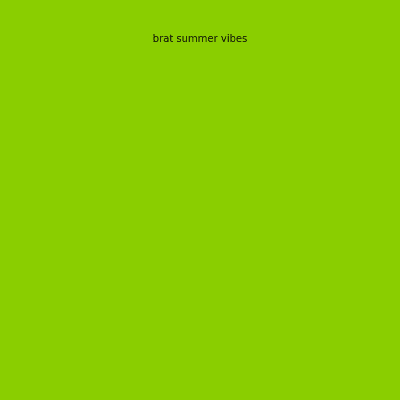
White Brat Generator Examples
Real outputs from this tool. Each shows the clean, minimal white brat style. Type your own text above to create similar results.
minimal brat
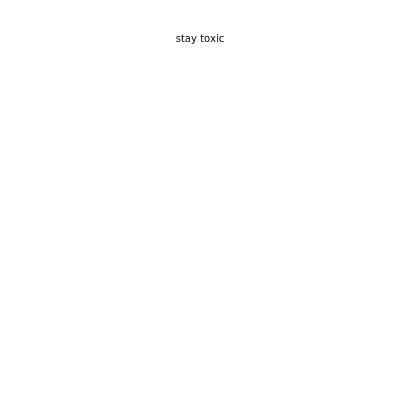
stay calm
white aesthetic
soft chaos
clean energy
neutral mood
Related Tools
This page handles the white brat background look. For other workflows:
- Use the brat generator for the full editor with all colors and tools.
- Try the brat text generator for quick text-only exports.
- Use the brat maker for stickers, image layers, and complex layouts.
- Try the black brat generator for the opposite: high-contrast dark visuals.
Frequently Asked Questions
Common questions about this white brat generator.
Yes. Unlimited use, no payment, no hidden limits.
Yes. Upload any image and layer brat text on top.
1:1 square, 9:16 vertical, 4:5 portrait, and 16:9 landscape.
Yes. Full touch controls on iOS and Android. Same features as desktop.
Yes. Every image you create is yours to use for any purpose, including commercial projects.