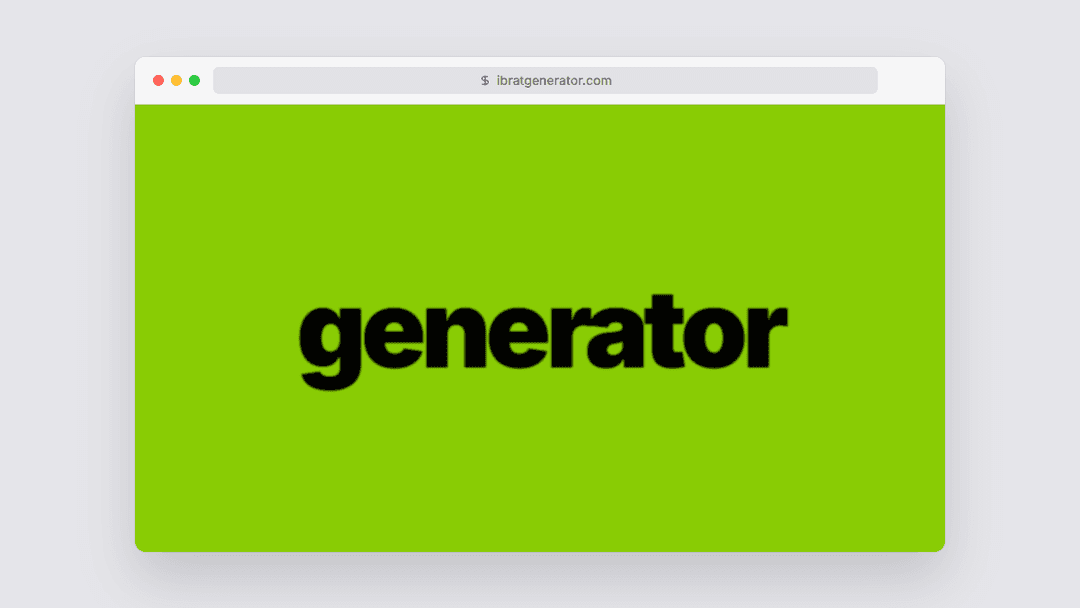
The Generator
A brat generator is more than just a tool. It is an online tool built specifically to recreate the heavy, minimal typography style that took over the internet.
Instead of using complex design software to manually set up neon green backgrounds and crush letter spacing, you use a charli xcx brat generator to do it instantly. These tools operate as a brat text tool online, completely free and running directly in your browser without requiring you to make an account or download any apps.
How to Use a Brat Generator
Type your text.
Enter the phrase you want into the brat generator tool and watch the layout update automatically. The live preview updates as you type, perfectly compressing the letter spacing to match the viral aesthetic.
Choose your style.
Select from classic green, stark white, black, or hot pink backgrounds to match your mood. Each color is calibrated to match the specific hex codes and blurry text effects of the original trend.
Download PNG.
Click the export button to save your high-resolution image immediately. No watermarks, no signups, and completely free. Your image is ready to upload directly to your feed or story in seconds.
What Can You Make?
Viral Memes
People use a brat generator online to create a massive variety of digital content. As a dedicated brat meme generator, creators build highly shareable reaction images using short, sarcastic phrases.
Platform Content
Influencers turn their random thoughts and Instagram captions into bold visuals that stand out in a feed. You will also see these graphics constantly used as TikTok thumbnails or YouTube chapter markers.
Playlist Art
Musicians and playlist curators use the charli xcx meme tool to quickly generate striking album covers and playlist thumbnails for Spotify and Apple Music.
Why the Format Works for Social Media
The visual format dominates social media because the extreme high contrast stops users from scrolling past. The minimal design strips away all distractions, forcing the viewer to focus entirely on the text you wrote. Whether your followers use light mode or dark mode, the aggressive neon green and black layout cuts through the surrounding interface. Because the style is instantly recognizable, you don't need any additional context for the post to make sense. The format also translates perfectly across platforms: the same image works on a TikTok vertical feed, a Twitter timeline, and an Instagram story without any resizing or cropping.
The Cultural Impact of the Brat Generator
When Charli XCX released the Brat album, the marketing strategy relied heavily on the audience remixing the cover art. The original aesthetic was deliberately designed to be as accessible and replicable as possible. It wasn't an intricate, highly-rendered 3D graphic or a carefully lit studio photograph. It was just a stark, low-resolution font on a very specific shade of green. This accessibility meant that anyone with a brat generator could instantly participate in the cultural moment, turning their own names, inside jokes, and daily grievances into pieces of the larger narrative.
Because the barrier to entry was so low, the trend exploded across every social media platform simultaneously. Instead of just consuming the album, fans used the brat generator to communicate with each other. It became a universal visual language. From political campaigns adopting the neon green to local businesses advertising their summer sales in lowercase Arial, the brat aesthetic proved that true virality in the modern era requires participation, not just observation. A brat generator facilitates that participation by removing all technical friction from the creative process.
The sheer volume of memes produced using this tool also highlights a shift in how we process internet humor. We are moving away from complex, multi-panel image macros and towards raw, text-based hyper-minimalism. When you use a brat generator, you aren't just making a meme; you are participating in a digital art movement that values speed, attitude, and bluntness over polish and perfection.
Why Minimalism Wins on the Internet
The internet is overwhelmingly noisy. Every platform bombards you with autoplaying videos, notification badges, and dense interfaces.
In this environment of constant sensory overload, the brat aesthetic acts as a visual palate cleanser. It is aggressive in its simplicity. When a user scrolls past hundreds of highly edited photos and complex infographics, a solid block of neon green with a single blurry word commands attention simply by refusing to compete on the same terms. A brat generator allows you to harness this power instantly. It forces you to edit your thoughts down to their absolute core. You cannot hide behind filters or fancy typography; the message must stand on its own. This hyper-minimalist approach doesn't just look cool - it is functionally superior for capturing and holding attention in a scrolling feed. By stripping away all the unnecessary design elements, the brat generator ensures that your text is the only thing the viewer can process, making your message impossible to ignore.
Brat Generator vs Canva
If you have ever tried to recreate the brat look in a general-purpose design tool, you know the process involves creating an account, browsing through templates, manually adjusting fonts and colors, repositioning elements, and then exporting. That workflow can easily take five to ten minutes even if you know exactly what you want. A brat generator eliminates all of that.
The Generator
Under thirty seconds with zero setup. Design platforms do not have the brat blur effect, the exact condensed letter spacing, or the preset neon background colors built in. For an authentic brat image you can download in seconds, the generator is the right tool for the job.
General Tools
General-purpose design tools are clearly better when you need complex layouts with multiple layers, custom illustrations, or brand templates. But for one quick aesthetic image in the brat style, you end up approximating the look manually and it never feels quite right.
Frequently Asked Questions
A brat generator is a free online tool that lets you create images in the style of Charli XCX's brat album, featuring blurry text on a colored background. Type your text and download a PNG in seconds.
Yes. No signup, no watermark, completely free.
Profile pictures, TikTok posts, Twitter headers, phone wallpapers, and reaction memes in the brat aesthetic.